How to Create a Consistent AI Character for Brand Campaigns: Soul ID, Angles and Reference Images
A four-step workflow for a consistent AI character in Higgsfield: which model creates her, how Soul ID locks her and how to reuse her across a campaign.

· 7 min read
In this article
- Key takeaways
- Why one consistent character beats a hundred good images
- The Higgsfield models that matter
- A note from live testing on Soul 2.0
- The four-step character workflow
- Refine, do not regenerate: the editing toolkit
- From one brief to a full image set
- Image tools change fast
- Where this is taught
- Frequently asked questions
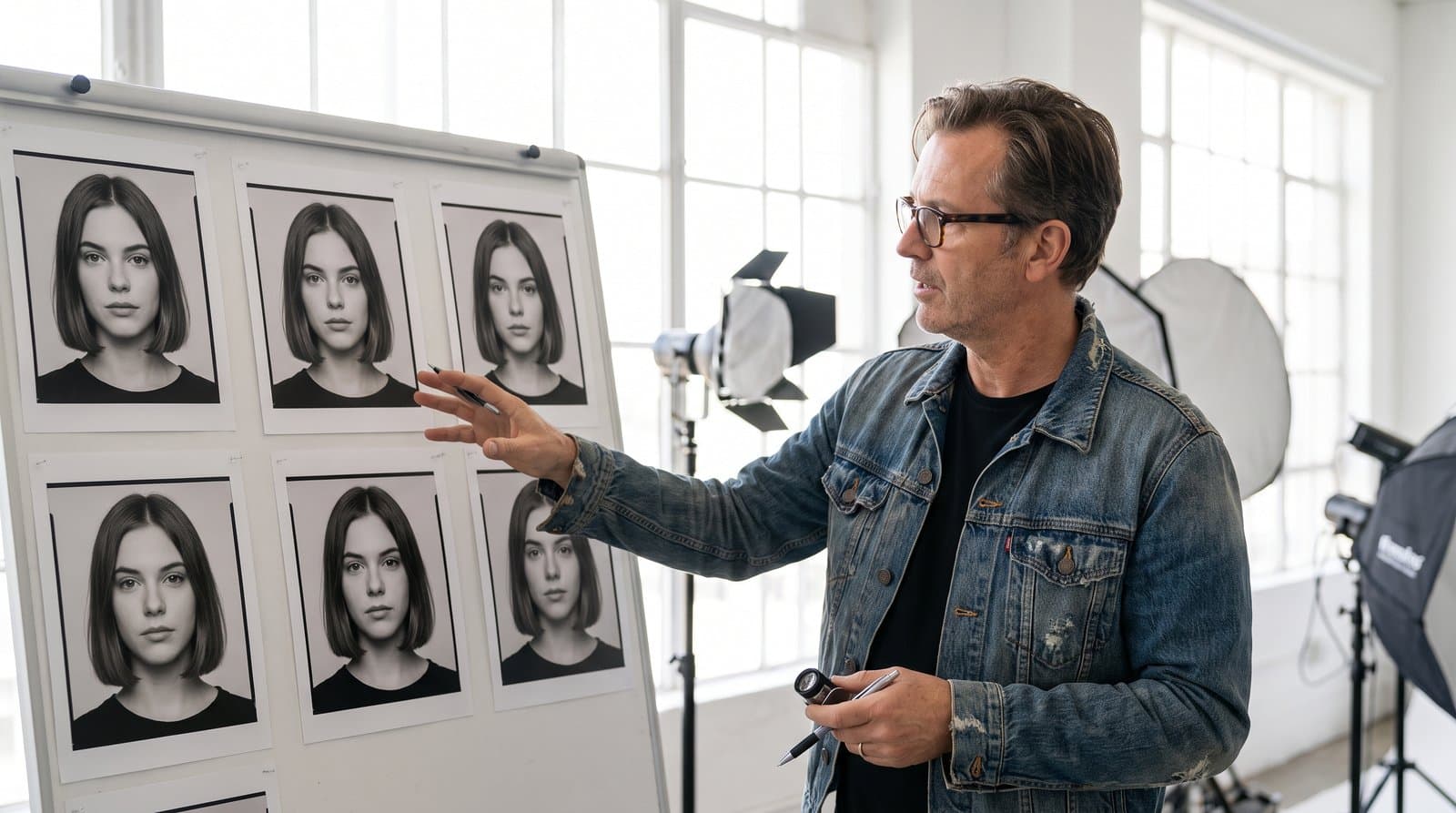
A single stunning AI image is easy. A face that looks the same in the Instagram grid, the Meta ad, the landing page banner and the Reel is the hard part, and it is the part that turns AI imagery from a party trick into a brand asset. We call a consistent AI character the single most powerful skill in AI marketing, because once you own a model who never ages, never cancels a shoot and always looks like herself, your whole content pipeline changes.
Key takeaways
- Consistency, not quality, is the real problem with AI imagery. A locked character solves it once for every image and video that follows.
- The rule of thumb: Soul 2.0 to create the character, Nano Banana Pro for everything after.
- In Soul 2.0, uploading a reference image switches it into identity-driven mode and your text prompt gets deprioritised. Create with a prompt alone, then move to Nano Banana Pro with the image attached.
- The workflow is four steps: one strong image, more angles in Apps, a Soul ID character, then call her by name in every prompt.
- Refine finished images with the editing tools instead of regenerating. Image tools change fast, so treat this as a base and check the current model line-up.
Why one consistent character beats a hundred good images
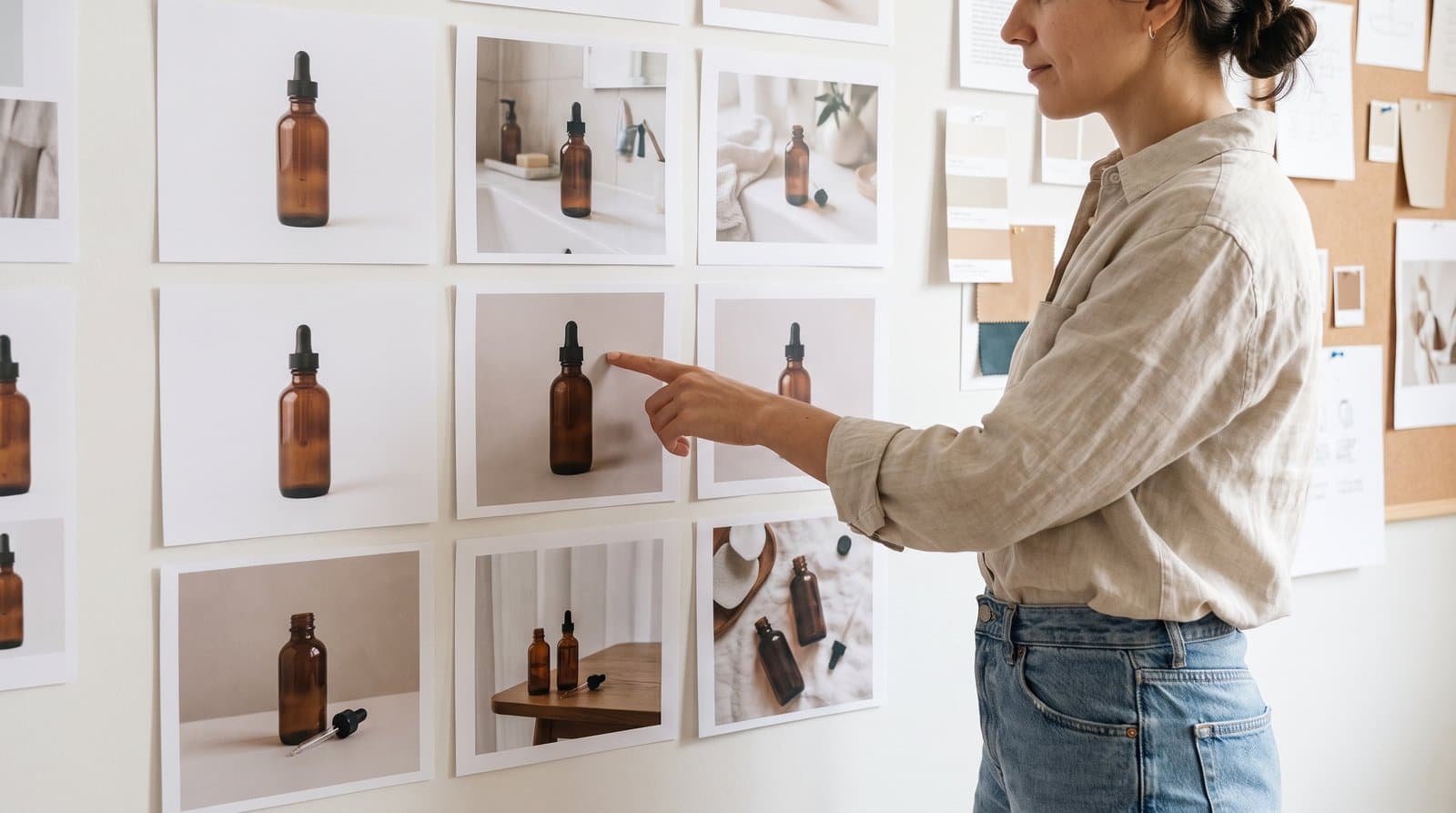
A brand needs the same face across dozens of images, and generating each one from scratch gives you a hundred strangers. A skincare brand in Beirut running a month of ads with a different woman in every creative reads as stock photography. The same woman in the ad, the carousel and the testimonial-style Reel reads as a brand with a face.
The goal: a consistent model you own, who appears the same across every image and video you make. In the live sessions we create one from scratch as the face of the demo brand, and everything in the image and video weeks is built on her.
The Higgsfield models that matter
Higgsfield puts the best image models in one workspace, and you do not need every model, only to know which one to reach for. You generate, edit and refine in the same place, and build characters, products and full campaigns from one account.
| Model | What it does best | When to reach for it |
|---|---|---|
| Nano Banana Pro | The top model, 4K, powered by Google Gemini 3. Photorealistic characters, product shots, accurate text on labels. | Everything after the character exists: campaign shots, product imagery, mockups |
| Soul 2.0 | Hyper-realistic, fashion-grade portraits. | Creating a character from scratch |
| Seedream and WAN | Strong alternatives for cinematic lighting and stylised looks. | When the brief calls for a stylised or cinematic mood rather than photorealism |
Our rule of thumb: Soul 2.0 to create a character, Nano Banana Pro for everything after.
A note from live testing on Soul 2.0
Two practical things came out of live testing, and they change how you should use Soul 2.0. First, its output can feel too perfect, almost unreal, while Nano Banana Pro reads as more realistic. That makes Soul 2.0 the right tool for the defining portrait, not for everyday content where a believable look sells better.
Second, and more important: in Soul 2.0, uploading a reference image switches the model into identity-driven mode, and your text prompt gets deprioritised. If you upload a face and then describe a cafe in Dubai at golden hour, expect the face to win and the scene to drift.
The clean workflow that follows from this: Soul 2.0 creates the character with a prompt alone, and Nano Banana Pro executes the campaign with the character image attached as a reference.
The four-step character workflow
Locking a character in Higgsfield takes four steps, and once it is done the character stays the same across every image and video you make.
- Start with one strong image. Use Soul 2.0 (or Nano Banana Pro) with a prompt alone, no reference upload. Describe the person fully: age, features, hair, skin, expression, wardrobe, lighting.
- Generate more images of the same character. Go to Apps and use Shots or Angles to produce the same person from new viewpoints and framings. Apps is where you expand a character; Marketing Studio creates videos.
- Create the character under Soul ID. Take those images into the Image section and create a character under Soul ID.
- Name your character and call her into any future prompt. From here on, "using the exact face and appearance of the reference image", or her name in a Soul ID prompt, brings her into any scene.
Once locked, the character appears the same in the product shot, the lifestyle image, the UGC-style still and the start frame of a video.
Refine, do not regenerate: the editing toolkit
Once an image is made you do not start over, you refine it with the tools under each image. Regenerating a whole scene to fix one lighting problem wastes credits when a single edit would do.
| Tool | What it changes |
|---|---|
| Colour grading | The mood and tone of the image |
| Upscale | Pushes resolution higher for print and ads |
| Enhancer | Sharpens and cleans up detail |
| Relight | Changes the lighting direction and feel |
| Inpaint | Edits or replaces any part of the image |
| Angles | Regenerates the same subject from a new viewpoint |
Alongside these, the generation toolkit gives you text to image with any model, reference image upload to guide the look, multi-reference (a face from one image, an outfit from another, a setting from a third) and aspect ratio and resolution control.
From one brief to a full image set
The full workflow starts with a single brief and ends with a complete, consistent brand image library. In order:
- Write the brief: your product, your model, your brand.
- Create and lock your character with Soul ID using the four steps above.
- Generate the product shots.
- Generate the mockups.
- Build the full image library across the image types a brand needs (packshot, lifestyle, UGC style, editorial, before and after, hero, detail, flat lay and social native), with the character carried through every one.
- Refine each image with the editing tools.
A gym in Riyadh could run this in an afternoon: one trainer character, locked, then appearing in the equipment shots, the transformation images, the testimonial UGC stills and the hero shot on the website. For the video side, the same character becomes the start frame of every clip, which we cover in AI video ads with Higgsfield, ElevenLabs and CapCut.
Image tools change fast
Everything above is a base, not a permanent spec. Platforms ship new features, models and pricing all the time, especially in image and video generation. Treat the rule of thumb as a way of thinking (one model to define the identity, one to execute at scale, editing tools to refine) and check the current model line-up in Higgsfield before you commit a campaign to it.
Where this is taught
Building and locking a character, then producing the full image set from it, is week 2 of the AI Marketing Professional Certificate, where we create the demo brand's face live and carry her into the video and ads weeks.
Frequently asked questions
Why does my character look different in every image? Usually because each image was generated from a fresh prompt with no locked identity. Create the character under Soul ID from a set of angles, then reference her explicitly in every prompt. If you are describing a scene in Soul 2.0 with a reference upload, the prompt is being deprioritised; move that step to Nano Banana Pro.
Should I create the character with Soul 2.0 or Nano Banana Pro? Our rule of thumb is Soul 2.0 to create, Nano Banana Pro for everything after. If Soul 2.0's output feels too perfect for your brand, Nano Banana Pro can also create the base image and reads as more realistic.
Can I use a real person as the character instead? You can, with their permission and a proper agreement, by using their photos as references. Many brands prefer an owned AI character: no usage rights to renew, no reshoots, no scheduling.
Does the character carry over into video? Yes. The locked character becomes the start frame of your videos, and Higgsfield fills in the motion from there. That is why we build the character before any video work.

Written by
Business Development Executive, Talentdu
Leen leads Talentdu's business development from Dubai, across corporate training and institutional partnerships. She holds an MSc in Psychology from Queen Mary University of London and is pursuing a second master's in Applied Artificial Intelligence.