The 9 Types of Images Every Brand Needs, and How to Generate Them With AI
The nine types of brand images and the job each one does, how they map to a service business, the anatomy of a strong product prompt and where Canva takes over.

· 7 min read
In this article
A brand is not one photo. Most small brands in Beirut or Dubai have a folder of product shots and nothing else, then wonder why the banner, the ad and the grid all look like the same picture cropped three ways. A brand is a system of image types, each with a job. Once you know the nine types, you know exactly what to generate, and AI lets you produce the whole set from one brief.
Key takeaways
- There are nine types of brand images, and each does one job: sell the feeling, prove the result, define the brand, prove the quality.
- The same nine categories apply to a service business: the coach in action, the transformation, the testimonial UGC, the authority hero shot.
- Pinterest is your reference library. Save what matches your brand's feeling and recreate the composition with your own product and model.
- A strong product prompt follows a fixed skeleton: realism declaration, shot type, subject in exact detail, setting, lighting, colour palette, realism cues.
- AI gives you the shot; Canva turns the shot into the campaign. Keep text, logos and layout in Canva, where they stay exact and editable.
The nine types and the job each one does
Every brand needs these nine image types, each answering a different customer question.
| Type | What it looks like | Its job |
|---|---|---|
| Packshot or white background | Clean, isolated product | The website and marketplaces. Shows exactly what you get |
| Lifestyle | The product in real use | Sells the feeling and the outcome |
| UGC style | Looks like a real customer took it. Raw, handheld, imperfect | Trust. We consider it the highest converting format in Meta ads |
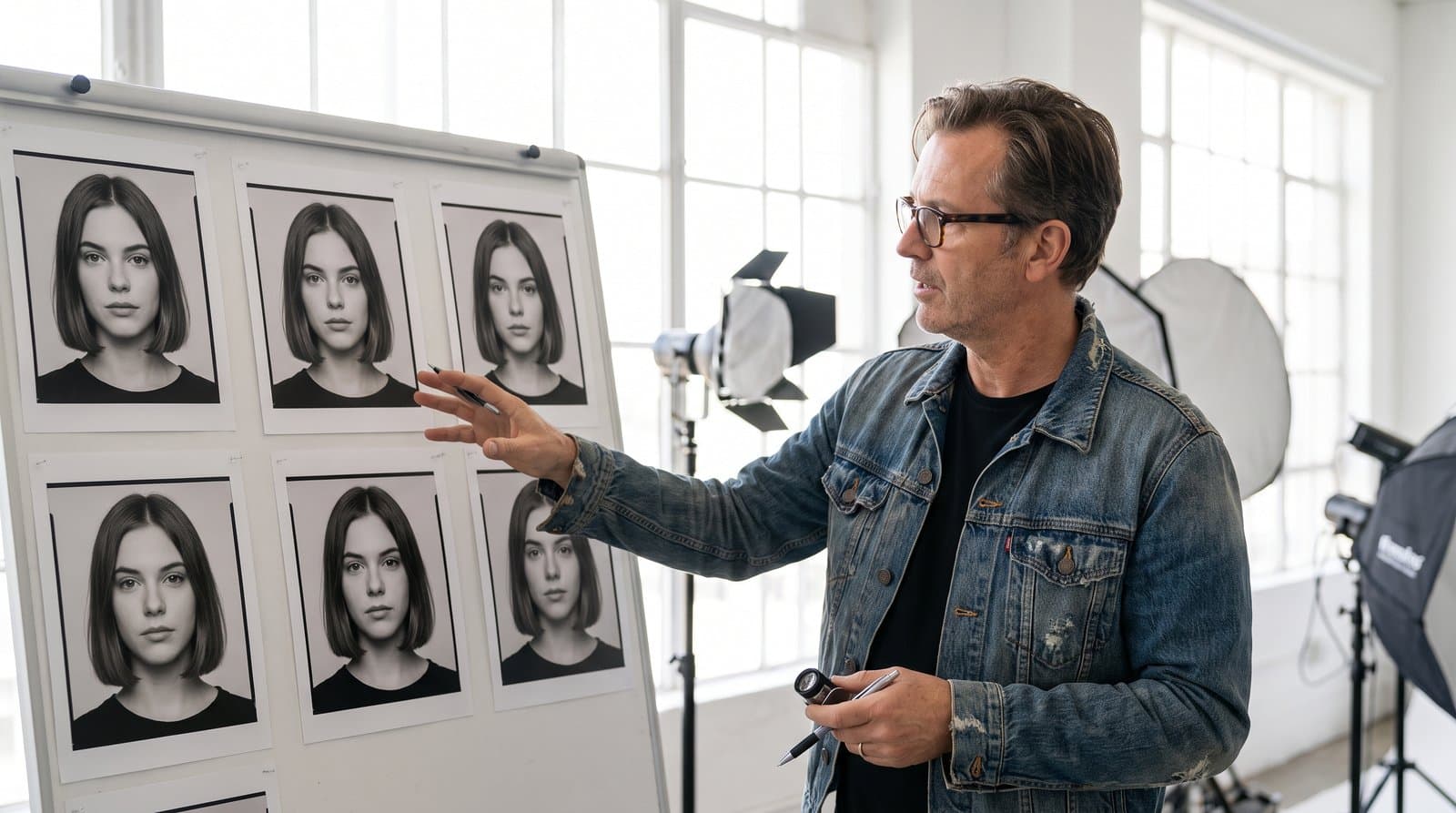
| Editorial or fashion | High-end magazine aesthetic; the product is secondary to the mood | Brand building, not direct response |
| Before and after | The transformation, side by side | The strongest proof for results-based products |
| Hero | One signature image that defines the brand | Website banners, landing pages, campaign covers |
| Detail or macro | Close texture shots: the dropper, the drop, the formula | Proves quality |
| Flat lay | Overhead arrangement | Social and e-commerce, product families and bundles |
| Social media native | Designed per platform: square for feed, vertical for Stories and Reels, breathing room for text overlays | Fits the placement without cropping |
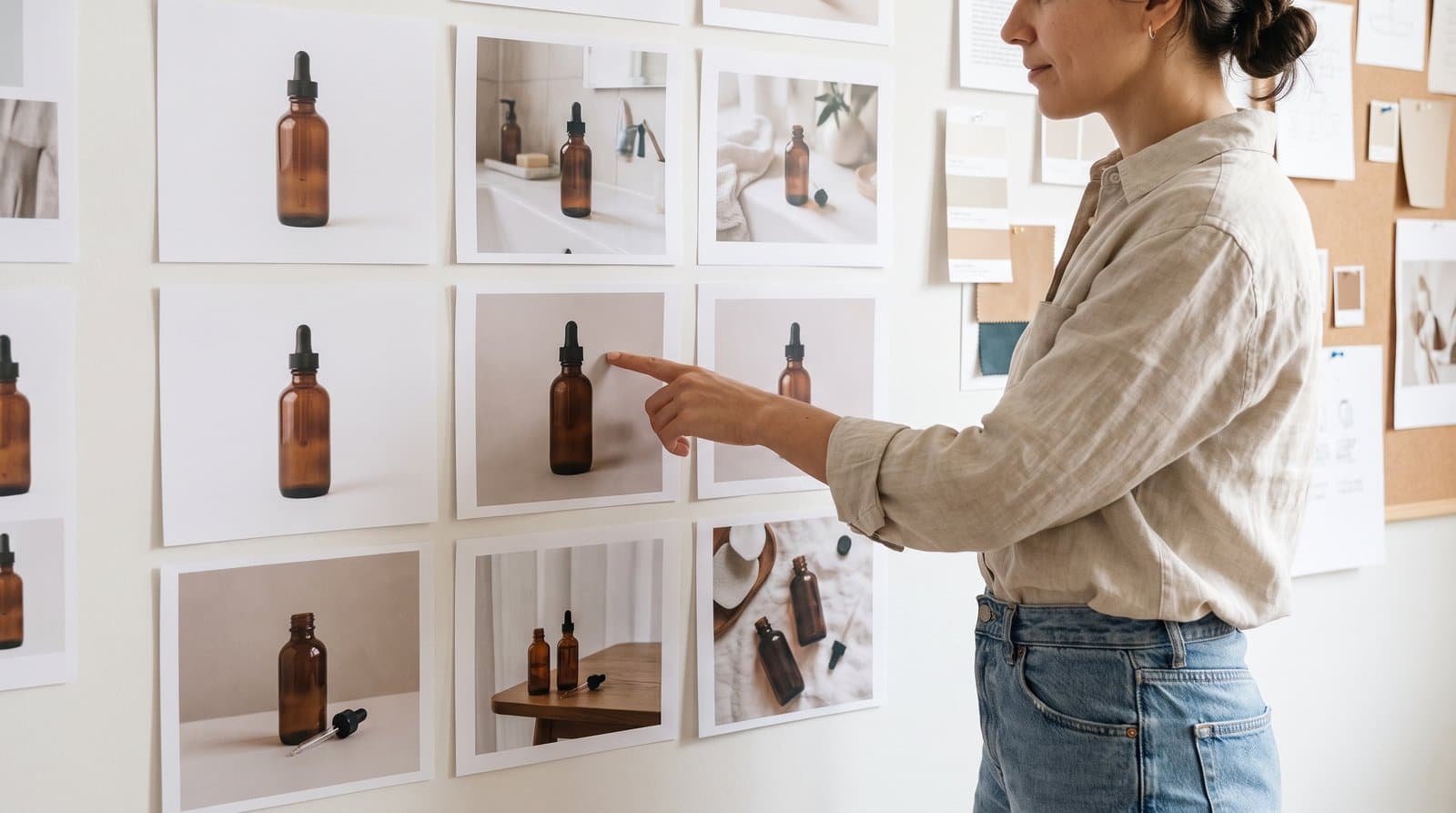
A skincare brand launching a serum needs all nine before launch day: the packshot for the shop page, the lifestyle shot on a bathroom shelf, the UGC-style mirror shot for the ad, an editorial mood image for the grid, a before and after, a hero for the landing page, a macro of the drop, a flat lay of the routine, each resized for feed and Stories.
The same nine types for a service business
A service business needs the same categories, with the person or the result standing in for the product. If you sell coaching, dental work or consulting, translate the list:
- The coach in action is your lifestyle image.
- The transformation is your before and after.
- The testimonial UGC is your UGC-style shot: a client, at eye level, looking like they filmed it themselves.
- The authority hero shot is your hero: the founder or practitioner, front angle, defining the brand on the website banner.
A physiotherapy clinic in Riyadh has a packshot equivalent (the clean treatment room), a detail shot (hands on equipment) and a flat lay (the tools of a session). The system is identical.
Get inspired on Pinterest, then make it yours
You do not need to invent every shot, and Pinterest is the fastest reference library for any style, layout or campaign look. Save what matches your brand's feeling and recreate the composition with your own product and model. The board becomes a shot list.
Inspiration is a starting point. Your brand makes it original: your character, product, colours and setting in someone else's composition is a new image, not a copy. Share any saved image with Claude and it will analyse it and write the prompt to recreate it; with the Higgsfield connector on, it can generate the image without leaving the chat.
The anatomy of a strong product prompt
Every strong Nano Banana Pro prompt in the program follows the same skeleton, and here it is on a product shot for a hair serum brand:
Photorealistic ultra realistic photograph. Close-up shot. A single premium navy blue glass dropper bottle standing upright centred in frame. A clean white label with the text [BRAND NAME] in large elegant serif font, [Product Name] in smaller refined text below, Vegan and Cruelty-Free in small text at the bottom. Clean pure white studio background. Soft diffused studio lighting from above, subtle soft shadow beneath the bottle. Colour palette: deep matte navy blue, pure white, black dropper cap. Sharp focus, perfect label legibility, no props, no stylisation, photographic realism.
The pattern:
- Realism declaration ("Photorealistic ultra realistic photograph").
- Shot type ("Close-up shot").
- Subject with exact detail (the bottle, its material, its position, every word on the label).
- Setting ("Clean pure white studio background").
- Lighting (direction, softness, shadow).
- Colour palette (named, not implied).
- Realism cues to close ("Sharp focus, perfect label legibility, no props, no stylisation").
Swap the subject and the setting and the same skeleton produces the lifestyle shot, the flat lay and the macro. When a character or product must stay consistent across the set, reference the source image explicitly: "using the exact face and appearance of the reference image."
Canva: from images to marketing
A beautiful image is not marketing, it is raw material, and the space between the image and the post that sells is Canva. Nobody publishes a bare product photo; they publish a photo with a message. Higgsfield gives you the shot. Canva turns the shot into the campaign: the ads, the posts, the carousels, the promos, sized for every platform.
Higgsfield is the camera. Canva is the design studio. In Canva, the Brand Kit applies your colours, fonts and logo in one click, which is the consistency engine that makes a small brand look established. Magic Studio handles upscaling, background removal and expansion inside any design, and the Claude to Canva connector creates the design in Canva from a description in Claude, ready to fine-tune. The finished set then feeds a monthly calendar, which we cover in content pillars: plan a month of social media.
Why AI is weak at text on images
AI image models do not handle text well, and that is the strongest reason to finish every image in Canva rather than asking the model for the headline. Spelling breaks, logos distort, layouts drift, and the more elements you add to a prompt, the more the model hallucinates.
Canva gives you exact control over every word, colour and position. Everything stays editable, and you can resize a design for a new placement while trusting what you see. Our rule: generate the image clean (Nano Banana Pro's accurate label text is the exception, since the label is part of the product), then add the headline, logo and call to action in Canva.
Where this is taught
Generating the nine image types from one brief, writing the prompts with Claude and finishing the set in Canva is week 2 of the AI Marketing Professional Certificate, where the whole library is built live for the demo brand.
Frequently asked questions
Do I really need all nine types before launching? For a product launch, yes, because each placement asks for a different one: the shop page needs the packshot, the ad needs UGC, the landing page needs the hero. Generating them from one brief with a locked character takes an afternoon rather than a photoshoot.
Which type converts best in ads? UGC style. We consider it the highest converting format in Meta ads because it looks like a customer, not a campaign. Keep it at eye level and slightly imperfect; a polished UGC image stops being UGC.
Can I put the headline and logo in the AI prompt? Avoid it. Text on images is where models break: spelling errors, distorted logos, drifting layouts. The exception is accurate text on a product label, which Nano Banana Pro handles well. Everything else goes on in Canva, where it stays editable.
Where do I find ideas for shots? Pinterest. Search the look you admire, save what matches your brand's feeling, then recreate the composition with your own product and model. Share the reference with Claude and it will write the prompt for you.
Written by
Business Development Executive, Talentdu
Leen leads Talentdu's business development from Dubai, across corporate training and institutional partnerships. She holds an MSc in Psychology from Queen Mary University of London and is pursuing a second master's in Applied Artificial Intelligence.