AI Video Ads From Storyboard to Export: A Practical Workflow With Higgsfield, ElevenLabs and CapCut
A complete workflow for producing a short video ad with AI tools: planning the shots, generating clips with Higgsfield, adding voiceover with ElevenLabs, editing in CapCut, and exporting the right sizes for Meta, TikTok, YouTube Shorts and Reels.

· 3 min read
In this article
A year ago, a fifteen-second product video meant a shoot, a crew and a week. Today a marketer with a clear brief can produce one in an afternoon with generated clips, a synthetic voiceover and a phone-friendly editor. The tools are easy. The workflow is what most people are missing, so here is ours from storyboard to export.
Key takeaways
- Storyboard first. AI video rewards people who know exactly which five shots they need.
- Generate clips in short segments and pick a model per shot; a talking product and a sweeping landscape do not want the same model.
- Keep brand consistency deliberately: the same character, the same colour palette, the same motion style across every clip.
- Assemble, caption and export per platform. One master edit, several sizes.
Step 1: write the storyboard
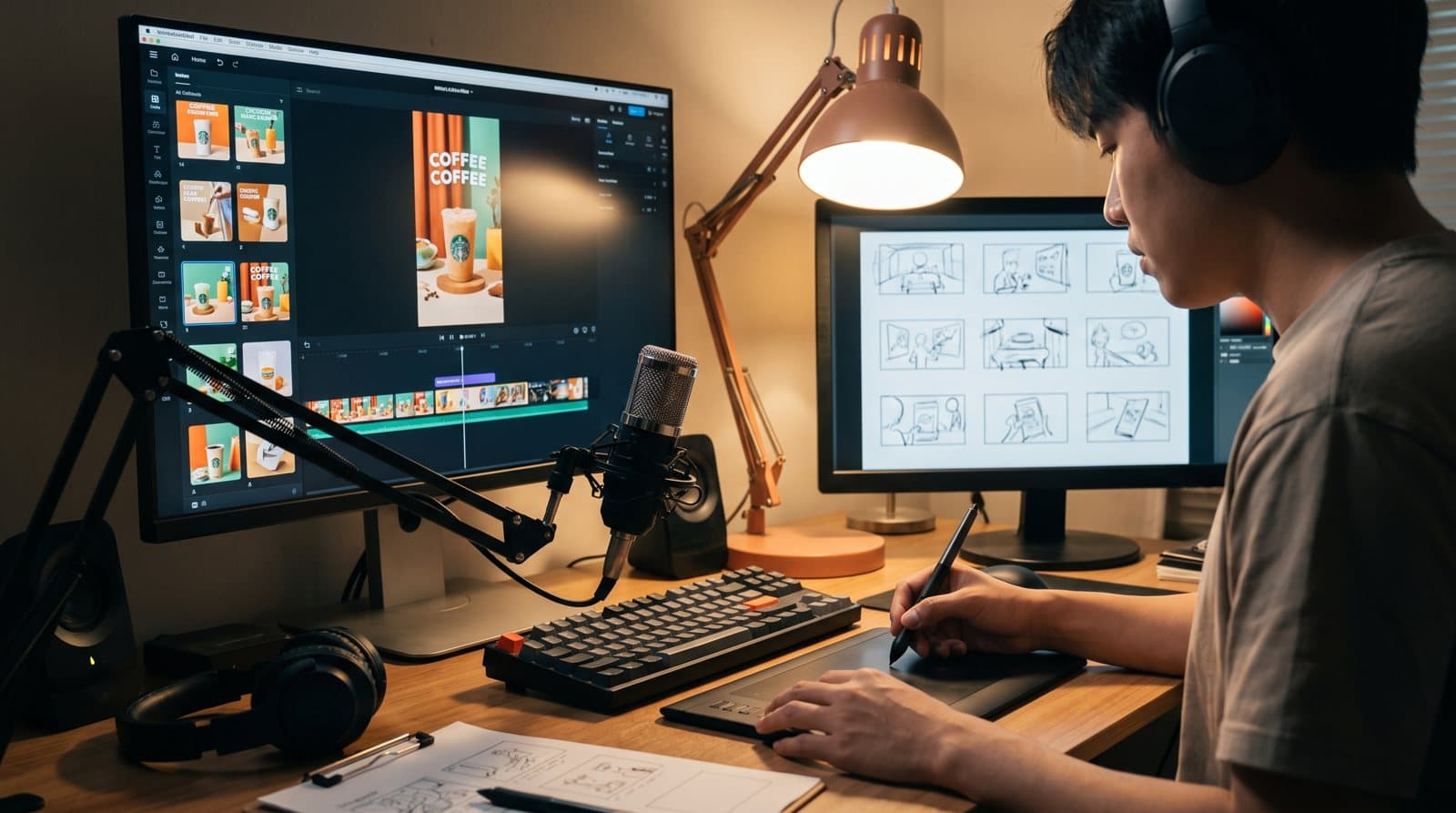
Before generating anything, write the ad as five to seven shots, each one line: what is on screen, what the voice says, how long it lasts. A typical fifteen-second structure: a hook shot that states the problem, two shots showing the product or outcome, one proof shot, and a closing shot with the call to action. Decide the aspect ratio now: vertical for Reels, TikTok and Shorts; square or landscape for feeds.
Step 2: generate the clips
Higgsfield gives you several video models under one roof, and the right choice depends on the shot. Some models handle realistic motion and people better, others handle stylised or fast-moving scenes. Two practices matter more than the model:
- Start and end frames. Generate or choose a still for where the shot begins and, when the model supports it, where it ends. This is how you control what the camera does instead of hoping.
- One shot per generation. Short single-shot clips are more controllable than long multi-shot ones. Assemble the story in the editor, not in the prompt.
For brand consistency, build the product or character as a reusable reference first, then generate every shot from it, and keep the colour palette in the prompt every time. Consistency is a decision, not an accident.
Step 3: add the voice
Write the voiceover to the storyboard timing, roughly two to three words per second. Generate it in ElevenLabs with a voice that matches the brand's tone, and generate two or three takes. Listen for pacing and emphasis; regenerate lines that rush.
Step 4: assemble in CapCut
Import the clips and the voice. Lay the voice down first, then cut the clips to it; the words set the rhythm. Add captions, most viewers watch muted, then music under the voice, transitions only where the story needs them, and B-roll where a shot feels static. CapCut's AI features handle captions and clean-up quickly; the judgment is yours.
Step 5: export per platform
Export one master, then versions: vertical 9:16 for Reels, TikTok and Shorts; 1:1 or 4:5 for feeds; 16:9 if the ad will run on YouTube or in-stream placements. Check the safe zones on vertical formats so captions do not sit under platform interface elements.
The videos every brand needs
Once the workflow is in place, build a small library rather than one ad: a product or service explainer, a customer result, a behind-the-scenes clip, a quick how-to, and a seasonal offer. Same character, same palette, same motion style. Five videos in one afternoon is realistic once the storyboards are written.
Where this is taught
Week three of the AI Marketing Professional Certificate covers exactly this workflow: model choice, start and end frames, single shot versus multishot, motion styles, colour consistency, then editing and platform-specific export. Students produce a complete AI video ad from concept to final export.
Frequently asked questions
Are AI-generated ads allowed on Meta and TikTok? Platforms allow generated content but have disclosure rules for realistic synthetic people and voices. Check the current policy of each platform before publishing.
Do I need a powerful computer? No. Generation happens in the cloud; CapCut runs on a laptop or phone.
How do I keep a product looking the same in every clip? Create a reference of the product first and generate from it every time. Prompt the same palette and lighting in every shot.

Written by
Founder and CEO, Talentdu
Omar teaches the PDMA and AIMP programs live and runs OBCIDO Inc., a New York based marketing agency. TEDx speaker and bestselling marketing author. Everything he writes here is drawn from work with real clients.