12 Camera Motion Styles for AI Video Ads, From Static Hold to Dolly Zoom
Twelve camera motion styles for AI video ads, split into controlled premium moves and high-energy hooks, plus the one-motion rule and CapCut export sizes.

· 6 min read
In this article
- Key takeaways
- Why camera motion is the system layer of AI video
- Six controlled and premium moves for product and brand moments
- Six high-energy and creative moves for hooks and transitions
- One primary motion per clip, and always state the speed
- Consistency starts with a colour palette
- The maximum-control pipeline into CapCut
- Platform export sizes
- Where this is taught
- Frequently asked questions
Two AI video clips can come from the same start frame, the same prompt and the same model, and one will feel like a luxury ad while the other feels like a TikTok hook. The difference is the camera move. A static product shot informs, a slow push in seduces, a crash zoom shocks. Camera motion is the system layer of AI video, and most marketers never write it into the prompt.
Key takeaways
- The camera move changes the entire feeling of a clip, so choose it deliberately: to inform, to seduce or to shock.
- There are two families: six controlled, premium moves for product and brand moments, and six high-energy moves for social hooks and transitions.
- One primary motion per clip, and always state the speed in the prompt.
- Lock a colour palette before you generate so the clips read as one brand, then stitch them in CapCut with the maximum-control pipeline.
- Export vertical 9 by 16 for TikTok, Reels and Shorts, and square or 4 by 5 for the Instagram and Facebook feed.
Why camera motion is the system layer of AI video
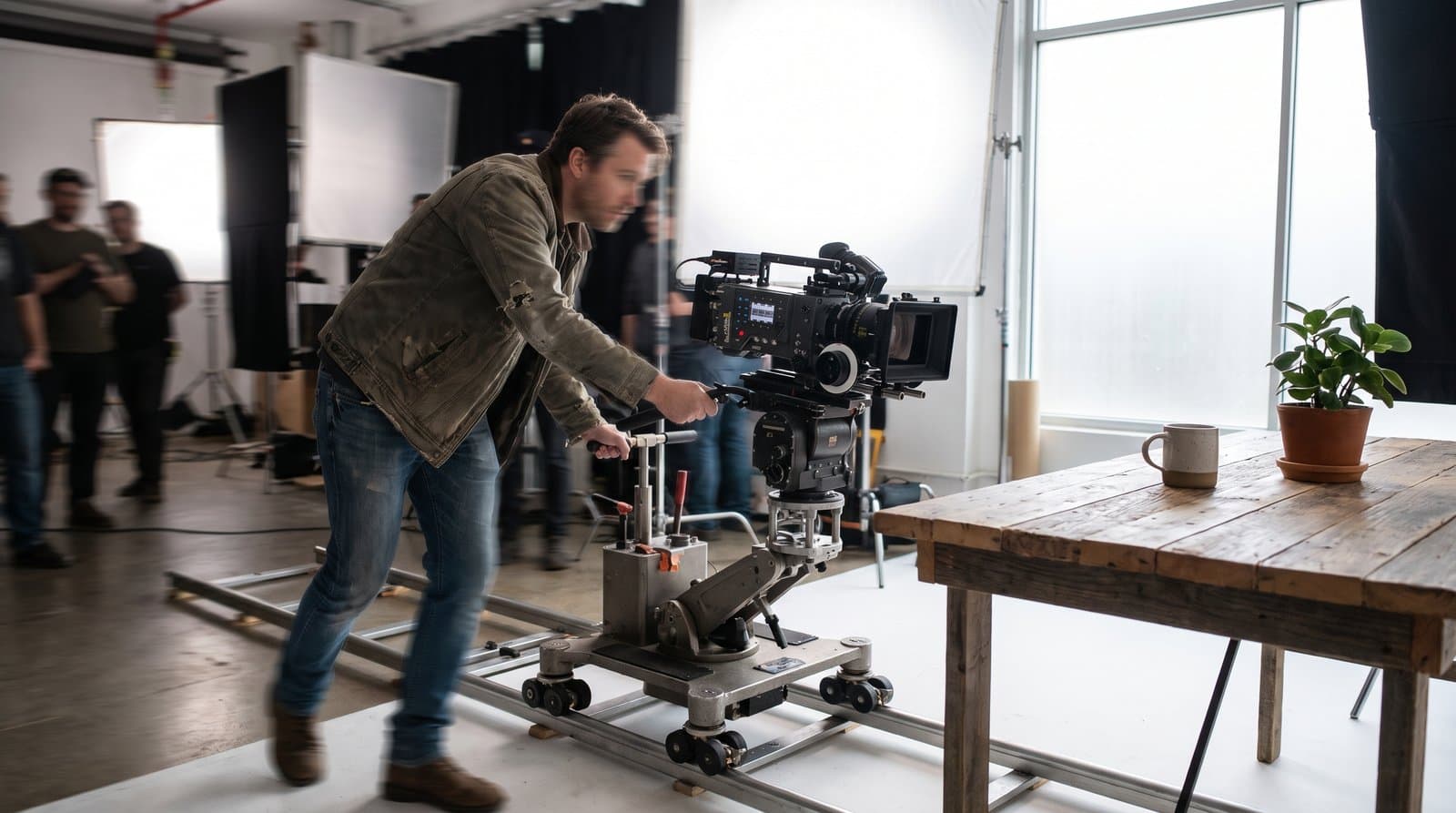
Camera motion is to video what camera angles are to images: the layer that turns a subject into a feeling. Once you have the vocabulary, you stop writing "make it move" and start writing "slow push in" or "whip pan", and the model does what a director would do.
The twelve moves below fall into two groups: controlled and premium, for product and brand moments, and high energy and creative, for hooks and transitions.
Six controlled and premium moves for product and brand moments
A skincare brand, a jeweller or a hotel in Riyadh will use these six most, because they let the product or the face do the talking.
| Move | What it does | Reach for it when |
|---|---|---|
| Static hold | Clean and stable, lets the product or face speak | The packshot, the testimonial close-up, any shot where the subject is the message |
| Slow push in, or super dolly in | Builds intimacy, drives attention to a detail | The serum drop, the stitching, the logo on the box |
| Slow pull back, or dolly out | Reveals context, signals an ending | The last shot of an ad, or revealing the room around the product |
| 360 orbit, or arc | The hero move, shows a product from every side | A launch, a product with a distinctive shape |
| Tilt up or down | Reveals from bottom to top, emphasises height or power | Buildings, tall bottles, a person standing |
| Pan left or right | Scans a scene or follows a subject smoothly | A shelf of products, a person walking through a cafe |
Six high-energy and creative moves for hooks and transitions
These six stop the scroll and hide the seams between clips. Use them for the hook and the cuts, not the whole ad.
| Move | What it does | Reach for it when |
|---|---|---|
| Crash zoom | A sudden punch into the subject, grabs attention fast | The opening hook of a Reel |
| Whip pan | A fast blur that hides a cut between two clips | Joining two generated clips so the edit feels like one take |
| Handheld | Subtle organic shake, the authentic UGC feel | Face-to-camera testimonials and creator-style ads |
| FPV drone | Immersive, dynamic motion through a space | Gyms, restaurants, showrooms, anything with a space to fly through |
| Dutch angle | A tilted frame for tension and edge | Streetwear, energy drinks, anything that wants to feel unsettled |
| Dolly zoom | The dramatic vertigo effect | Sparingly, for one moment of shock or realisation |
One primary motion per clip, and always state the speed
Our rule is one primary motion per clip, and the speed always stated. A prompt that asks for a push in, a pan and an orbit in one 8-second clip gives the model three instructions to average out, and the result usually drifts. A prompt that says "slow push in toward the bottle, steady, no other camera movement" gives it one job.
Speed is the half most people forget. "Push in" can mean a gentle drift or a lunge. Write "slow", "steady" or "fast" every time, because the same move at two speeds tells two different stories. If a shot genuinely needs two moves, split it into two clips and join them in the edit.
Consistency starts with a colour palette
The fastest way to make AI video look like one brand instead of random clips is to lock your palette before you generate. Carry the same tones, the same model and the same lighting across every clip. For a hair serum brand, that might mean navy, white and amber, with the model and her hair as the hero of every frame. Palette and motion work together: clips that share a palette and stay inside one motion family, with a single high-energy move reserved for the hook, look like a campaign rather than a mood board.
The maximum-control pipeline into CapCut
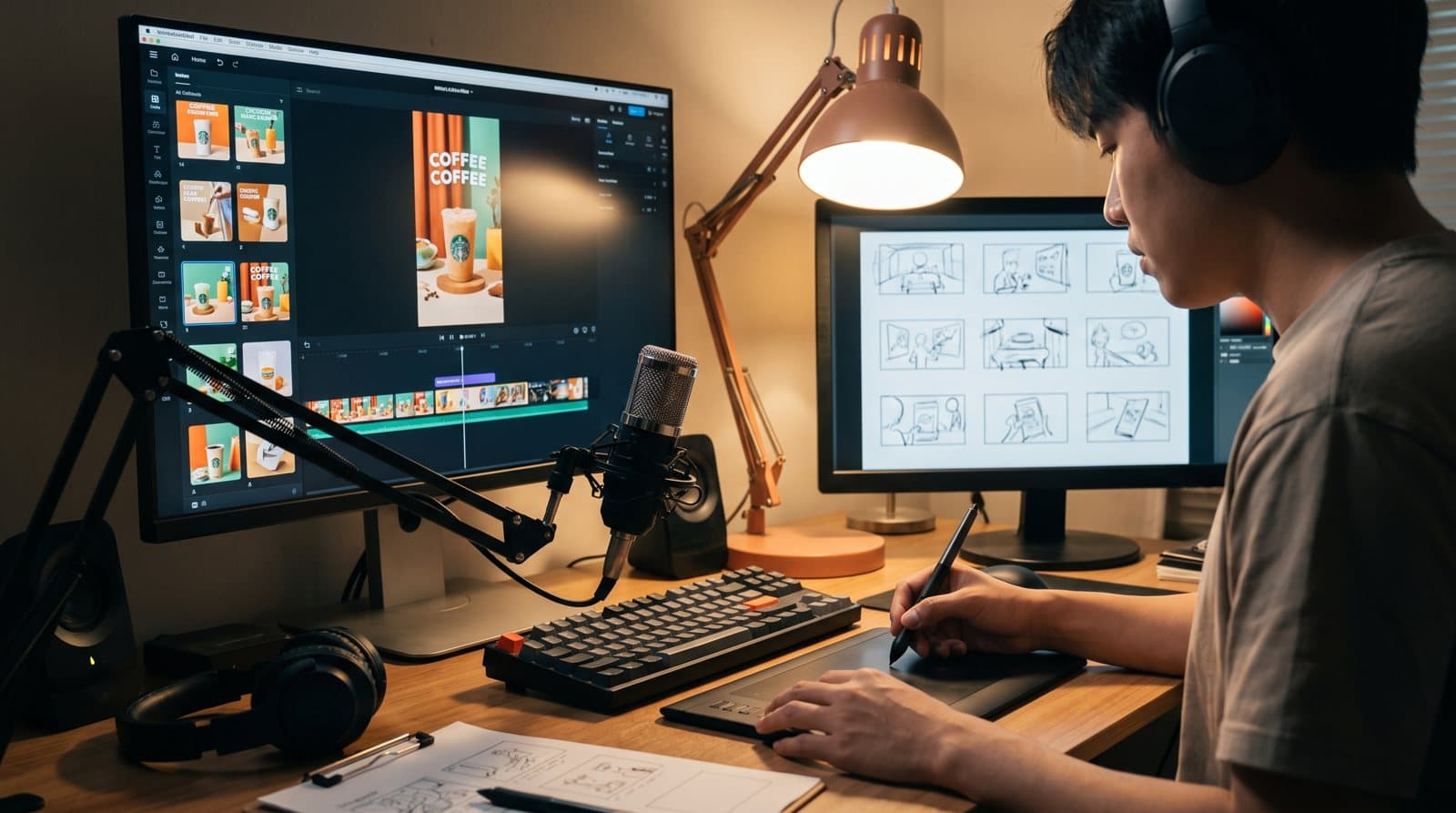
Higgsfield gives you raw clips, and a pile of clips is not an ad; the edit makes it sell. Higgsfield is the camera, CapCut is the edit suite: free, fast, built for social video, made by the company behind TikTok. This is the pipeline for full control over every frame.
- Generate all your start frames first, one per clip, in the locked palette.
- For full control, generate end frames too, so each clip has a fixed beginning and end.
- Create each clip one at a time, choosing the right model and one primary motion with its speed.
- Import the clips into CapCut in story order and lay them on the timeline.
- Trim each clip to its best moment and sequence for flow: hook, product, proof, call to action. Cut anything that does not earn its place.
- Add the editing layer: captions, because most people watch on mute; music kept under any voiceover; smooth cuts with the occasional whip pan or fade; product detail B-roll for texture and pace.
CapCut now has AI built in: its Generate tab creates an image or video from a prompt, useful for quick filler or fast B-roll. For maximum control, still generate the main clips in Higgsfield. The full storyboard-to-export workflow, including voiceover, is in our guide to AI video ads with Higgsfield, ElevenLabs and CapCut.
Platform export sizes
One ad, sized correctly everywhere: that is the goal of the export step.
| Placement | Ratio | Notes |
|---|---|---|
| TikTok, Instagram Reels, YouTube Shorts | Vertical 9 by 16 | Generate vertical from the start so no move is cropped |
| Instagram and Facebook feed | Square 1 by 1 or 4 by 5 | Check that an orbit or pan still frames the product |
| Any placement | Export in 4K where you can | Let CapCut compress per platform, and match the captions to the placement |
Where this is taught
The twelve motion styles, the one-motion rule and the CapCut pipeline are covered in week 3 of the AI Marketing Professional Certificate.
Frequently asked questions
Which camera motion should I use for a product ad? Start with the controlled family: a static hold for the packshot, a slow push in for the detail, a 360 orbit for the hero shot. Save the high-energy moves for the opening hook and the transitions between clips.
Can I combine two camera moves in one AI video clip? Our rule is one primary motion per clip with the speed stated. If a shot needs two moves, generate two clips and join them in CapCut with a whip pan or a fade.
Why does my AI video look like random clips instead of one brand? Almost always because the palette, the model or the lighting changed between generations. Lock the colour palette before you generate and keep the camera moves within one family.
What size should I export for Instagram Reels? Vertical 9 by 16, in 4K where you can. For the Instagram and Facebook feed, export square or 4 by 5.

Written by
Business Development Executive, Talentdu
Leen leads Talentdu's business development from Dubai, across corporate training and institutional partnerships. She holds an MSc in Psychology from Queen Mary University of London and is pursuing a second master's in Applied Artificial Intelligence.