Best AI Tools for Productivity in 2026: 10 We Actually Use Every Week
The 10 best AI tools for productivity in 2026, tested by our team: what each one does best, which have free tiers, and how to build a simple daily AI workflow.

· Updated · 10 min read

In this article
The best AI tools for productivity in 2026 are Claude, ChatGPT, Gemini, Perplexity, Notion AI, Canva AI, Higgsfield, Zapier, Grammarly and Lovable. Every one of them has a free tier, so you can test the whole list without paying anything. We use all ten at Talentdu every week, and this guide explains what each is best at, where it falls short, what it costs, and how to combine them into one workflow instead of ten open tabs.
Key takeaways
- You need one AI assistant (Claude or ChatGPT), not five. Pick one, learn it properly, and add the others only for the jobs it cannot do.
- The biggest time savings come from automation (Zapier) and from AI that lives inside the apps you already use (Gemini in Google Workspace, Notion AI), not from chatbots alone.
- Free tiers are enough to find out whether a tool fits your work. We list the paid prices we verified in September 2026, and say "free tier and paid plans" where a company does not publish a simple price.
- Start with one repetitive task, write one reusable prompt for it, and measure the time saved before you add another tool.
How to get started with AI at work

The fastest way to get value from AI is to pick one task you do every week and hand it to one tool. Here is the routine we teach:
- Pick one repetitive task. Meeting notes, weekly reports, replying to the same customer questions, resizing designs. Anything you do more than twice a week.
- Choose one assistant. Claude or ChatGPT. Both are excellent; the difference is taste and which one your team already uses.
- Write one reusable prompt. State the role, the context, the task and the format you want. Save it. The RTF prompting framework is the shortest version of this we know.
- Connect, do not copy-paste. Once a prompt works, move it into the app where the work happens (a Claude Project, a Zap, a Notion template) so you stop re-explaining yourself.
- Measure and prune. After two weeks, keep what saved time and delete the rest. Most people end up with three or four tools they actually open.
The 10 best AI tools for productivity in 2026
1. ChatGPT: the general assistant most people start with
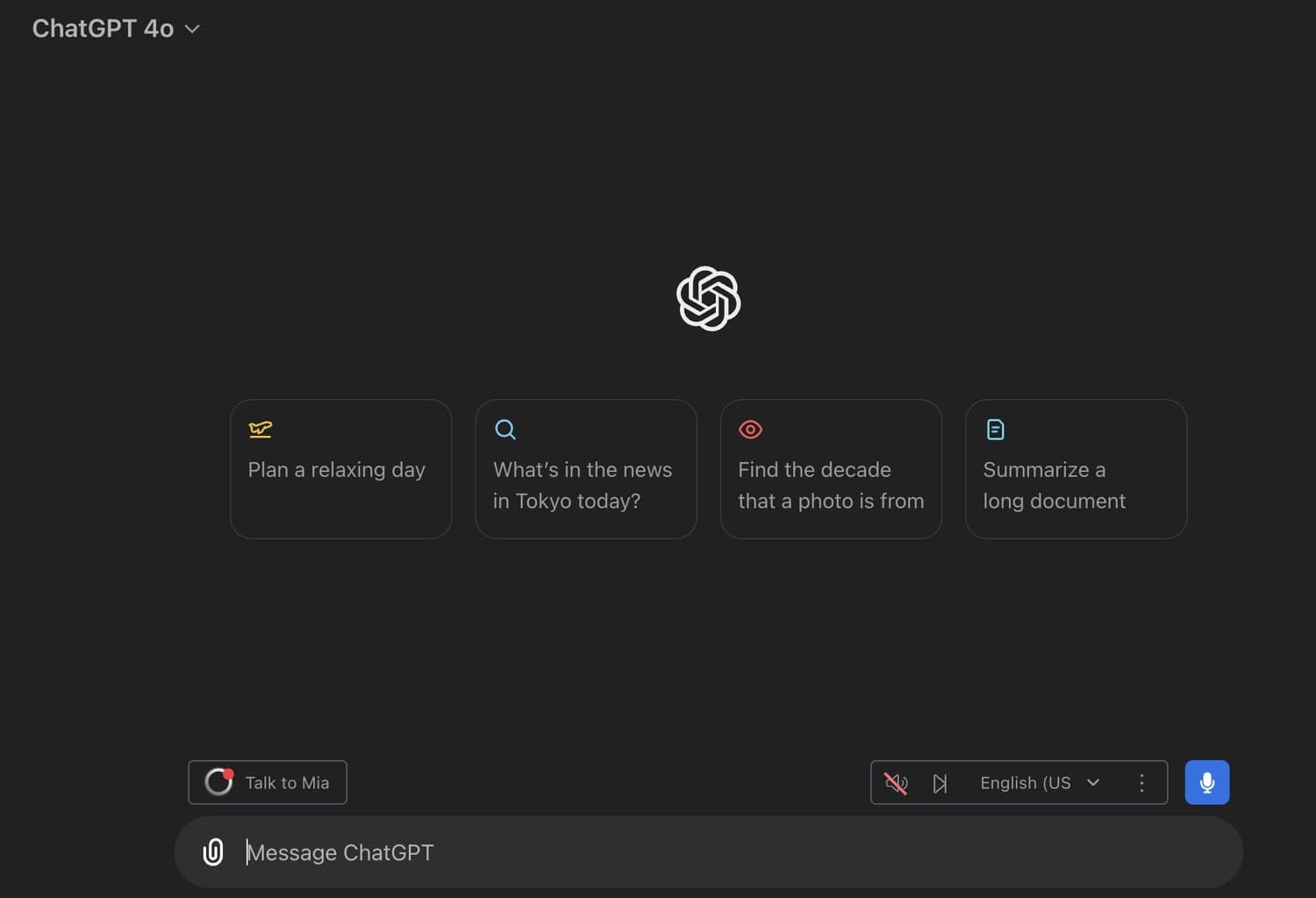
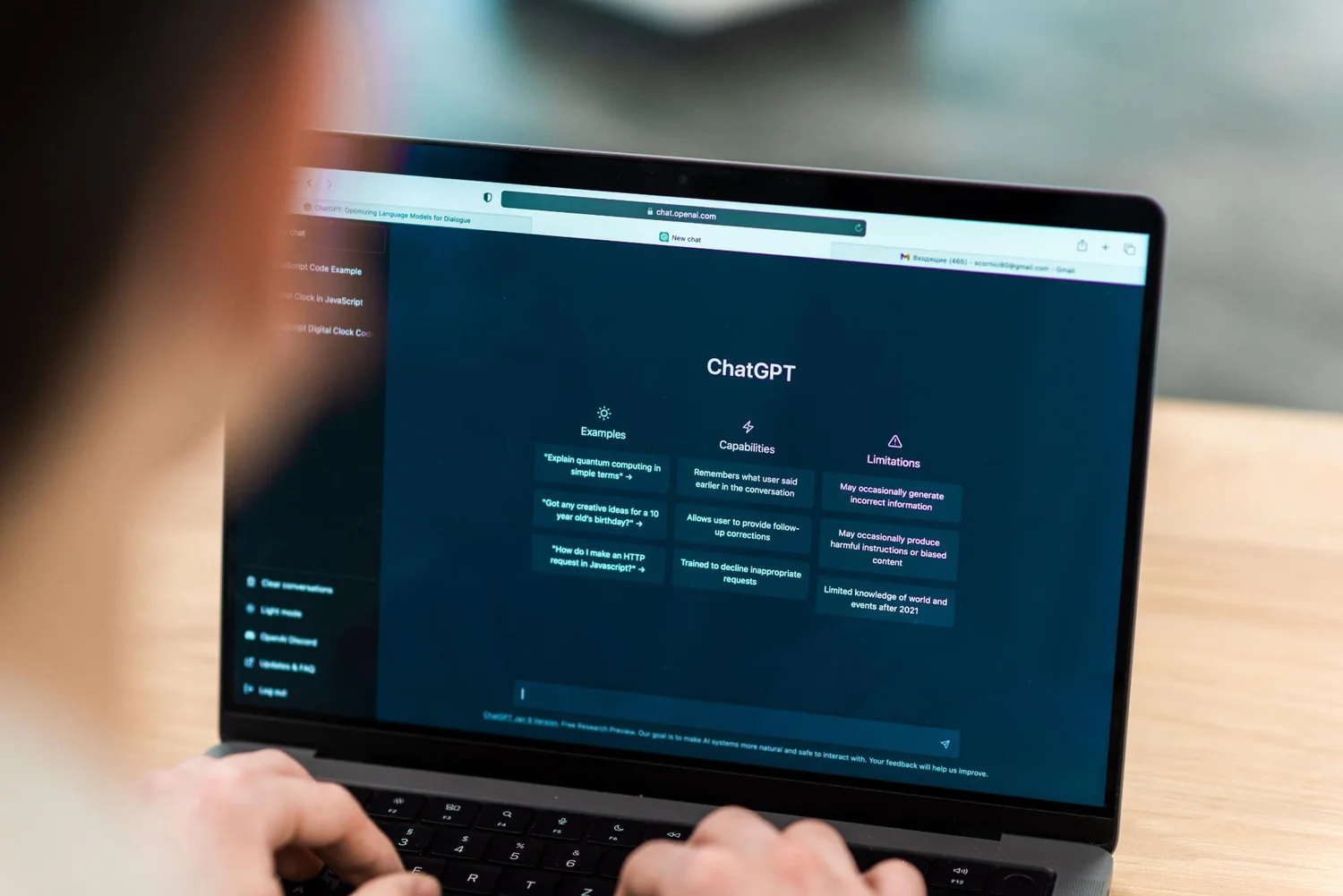
ChatGPT by OpenAI is still the most widely used AI assistant, and for a good reason: it does a little of everything. Drafting emails, summarising documents, brainstorming, image generation, voice conversations and web research all live in one window, and Projects let you keep files and instructions together for recurring work.
- Best for: quick drafts, brainstorming, everyday questions, image generation, voice.
- Falls short on: very long documents and multi-step work where you need it to follow a strict format every time.
- Pricing: free tier and paid plans.
- Start here: create a Project for one recurring task (for example "weekly report"), add your template and a sample, and reuse it.
We wrote a longer piece on ChatGPT's features and how to get more out of them.
2. Claude: long documents, structured work and reusable setups
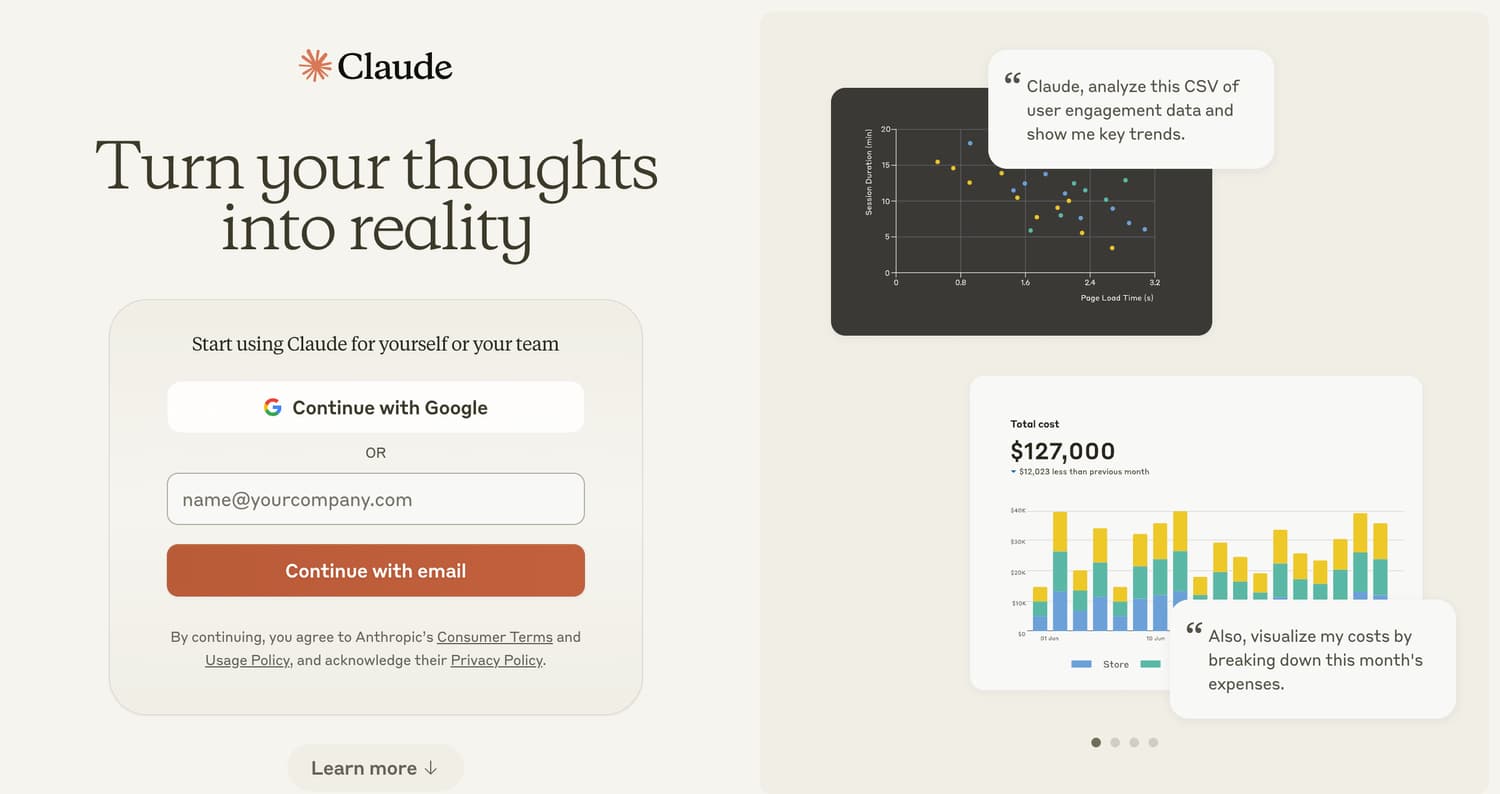
Claude by Anthropic is the assistant we reach for when the job is long or has to be done the same way every time. It handles long reports and transcripts well, writes in a natural tone, and its Projects, Skills and Artifacts let you set up a task once (role, context, format) and then only type the request. Connectors put it inside Google Drive, Gmail, Notion and Slack.
- Best for: long documents, analysis, writing that has to match a brand voice, building small tools and dashboards in a side panel.
- Falls short on: it is a writing and reasoning tool first; for images or video you will pair it with Canva AI or Higgsfield.
- Pricing: free plan, Pro at $20 a month, Max from $100 a month (verified on claude.com/pricing, September 2026).
- Start here: our guide to Claude Projects, Skills, Artifacts and Connectors shows exactly what to put where.
3. Higgsfield: images and short video without a designer
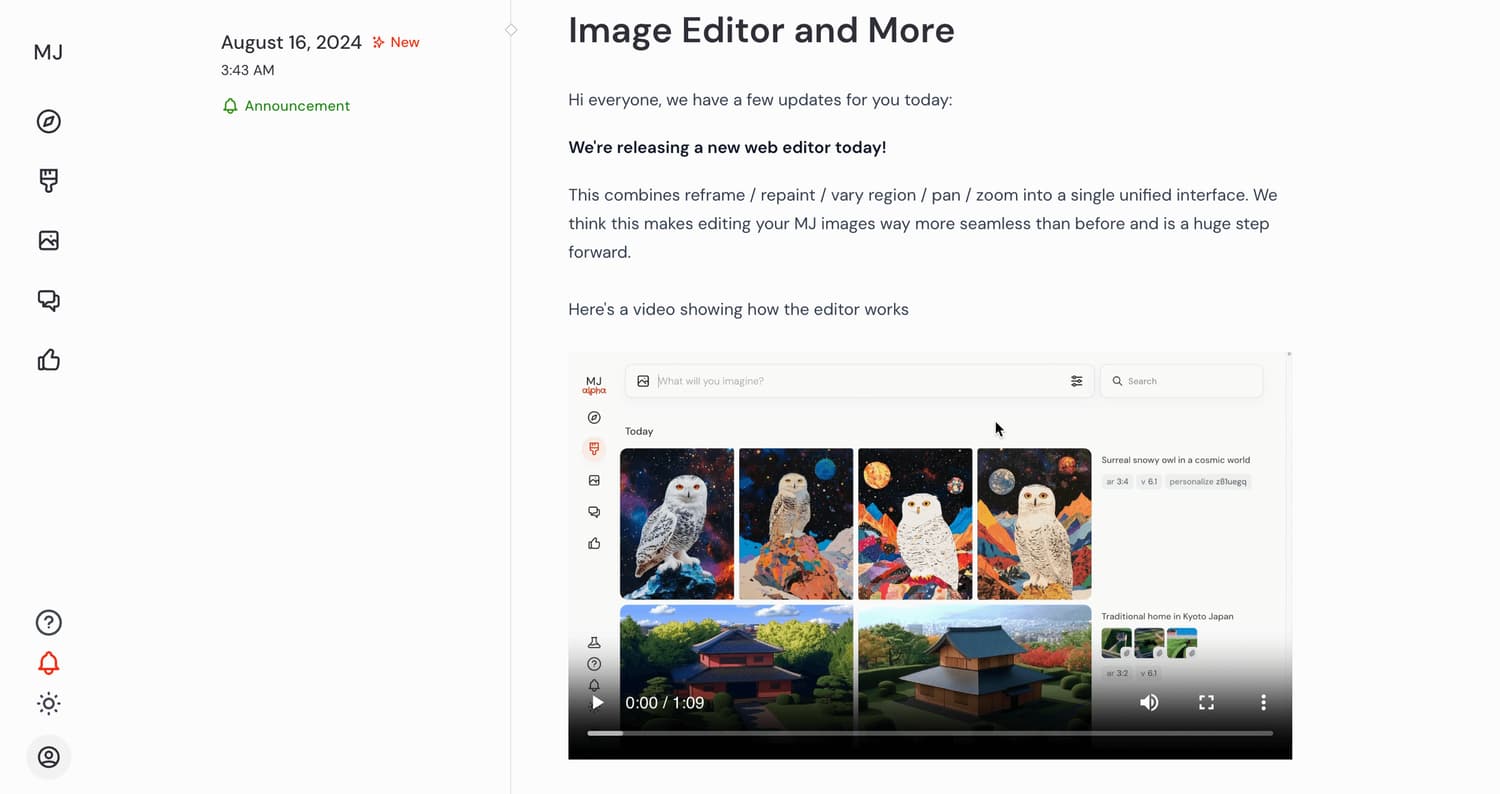
Higgsfield is the creative platform we use for AI images and short video clips. It brings several image and video models together in one interface, so you can generate a product shot, keep a consistent character across scenes, then animate a still into a few seconds of video for a reel or an ad. For teams without a designer on call, this replaces hours of waiting.
- Best for: social visuals, ad creative, short video clips, mood boards.
- Falls short on: anything that needs exact text on the image or precise brand layouts; finish those in Canva.
- Pricing: free tier and paid plans.
- Start here: generate one still, then animate it. Our AI video ads workflow walks through the full process.
4. Gemini: AI inside Gmail, Docs and Meet
Gemini by Google is the AI you do not have to open. It sits inside Gmail (summarise a thread, draft a reply), Docs (draft or rewrite), Sheets (build a table from a description) and Meet, where it can take notes for you and send a summary after the call. If your company runs on Google Workspace, Gemini is the closest thing to free productivity.
- Best for: meeting notes, email triage, first drafts inside Docs and Sheets.
- Falls short on: deep, multi-step reasoning, where Claude or ChatGPT still do better.
- Pricing: free tier and paid plans, some features depend on your Workspace plan.
- Start here: turn on note-taking in your next Google Meet and compare the summary with your own notes.
5. Canva AI: design work at the speed of a template
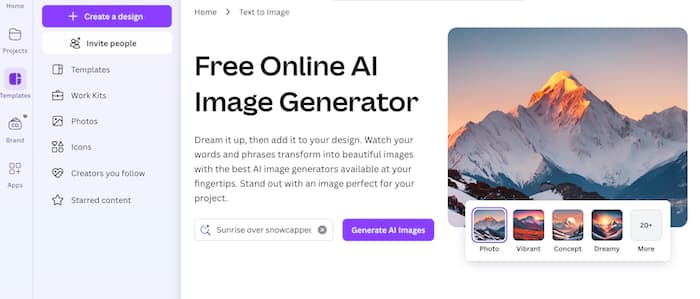
Canva's AI features (Magic Write, Magic Resize, background removal, text-to-image and Magic Design) turn one design into ten sizes in a minute and let non-designers produce clean work. Brand Kits keep colours and fonts consistent, which matters more than any single AI feature.
- Best for: social posts, presentations, one-pagers, resizing across platforms.
- Falls short on: original photography and cinematic visuals, which is where Higgsfield comes in.
- Pricing: free tier and paid plans.
- Start here: set up a Brand Kit first, then use Magic Resize on your next post.
6. Zapier: the automation layer between all of the above
Zapier connects thousands of apps, so a form submission can create a CRM contact, post to Slack, and send a WhatsApp or email follow-up without anyone touching it. Its AI steps let you add a Claude or ChatGPT prompt inside a workflow, for example to summarise a lead before it reaches sales. This is where the real hours are saved.
- Best for: lead routing, reporting, moving data between tools, scheduled tasks.
- Falls short on: heavy data transformation and anything that needs a real database (use Tables or a proper backend).
- Pricing: free plan with 100 tasks a month; Professional from $19.99 a month billed annually (verified on zapier.com/pricing, September 2026).
- Start here: the five Zapier automations every marketer needs, with what each one costs in tasks.
7. Perplexity: research with sources you can check
Perplexity is an AI answer engine: it searches the web, reads the results and writes an answer with numbered citations. For competitor research, checking a statistic, or getting up to speed on a topic in ten minutes, it is faster than a search engine and more trustworthy than a chatbot that answers from memory.
- Best for: research, fact-checking, market scans, summarising the latest news on a topic.
- Falls short on: writing and editing; take the research into Claude or ChatGPT for the draft.
- Pricing: free tier and paid plans.
- Start here: ask it a question you already know the answer to and inspect the sources. That tells you how much to trust it on the questions you do not.
8. Lovable: build the internal tool instead of asking for it
Lovable builds working web apps and landing pages from a plain-language description. We use it for the small tools nobody has time to build: a lead tracker, a booking page, a calculator for a campaign. It is also the quickest way to publish a landing page without waiting for a developer.
- Best for: landing pages, internal dashboards, small tools, prototypes to show a client.
- Falls short on: complex products with many users; hand those to a developer.
- Pricing: free tier and paid plans.
- Start here: our Lovable guide for marketers covers Agent mode, Chat mode and publishing.
9. Grammarly: the editor that runs everywhere you type
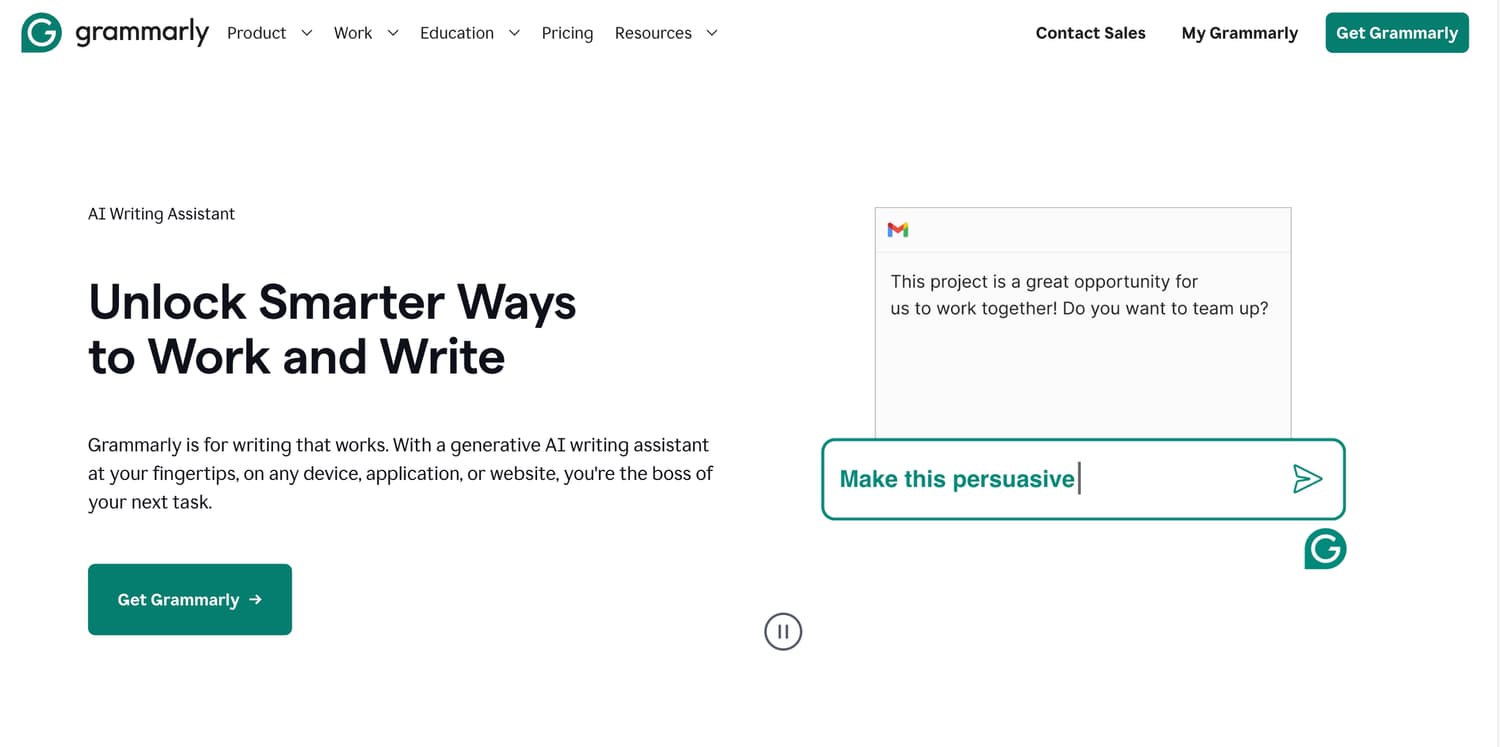
Grammarly checks grammar, tone and clarity inside your browser, email, Slack and documents, and can rewrite a sentence to be shorter or more formal. Its value is that it works in the background: no copy-pasting into a chatbot.
- Best for: emails, client messages, anything written by non-native English speakers.
- Falls short on: Arabic, and on long-form structure (it polishes sentences, it does not fix a bad outline).
- Pricing: free plan; Pro at $12 a month (verified on grammarly.com/plans, September 2026).
- Start here: install the browser extension and set your default tone.
10. Notion AI: notes, meetings and search in one workspace
Notion AI drafts and summarises inside your pages, takes meeting notes, fills database properties automatically, and searches across your workspace and connected apps. If your team already lives in Notion, its AI removes most of the copy-paste between a chatbot and your docs.
- Best for: meeting notes, project documentation, turning messy notes into action items.
- Falls short on: deep writing and reasoning compared with Claude or ChatGPT.
- Pricing: free plan; Plus from $10 per member a month; the full AI feature set is on the Business plan at $20 per member a month (verified on notion.com/pricing, September 2026).
- Start here: enable AI meeting notes for one recurring meeting and stop taking notes by hand.
Which AI tool should you pick first?
| Your main job | Start with | Add next |
|---|---|---|
| Writing and analysis | Claude or ChatGPT | Grammarly |
| Meetings and email | Gemini (Google Workspace) or Notion AI | Zapier |
| Design and social | Canva AI | Higgsfield |
| Research | Perplexity | Claude |
| Ops and lead handling | Zapier | Lovable |
If you want the honest version of what happens after the honeymoon, read the four lessons we learned after using over 100 AI tools. Most of them get deleted.
A note for readers in Lebanon and the Gulf
Every tool above works in Arabic and English, but not equally. Claude, ChatGPT and Gemini handle Modern Standard Arabic well and can write in Lebanese or Gulf dialect if you give them examples in your prompt. Grammarly does not cover Arabic at all. For the WhatsApp-heavy funnels most businesses here run, the highest-value setup we have seen is simple: a lead form on the website, a Zap that adds the lead to a sheet or CRM, and an AI step that drafts the first Arabic WhatsApp reply for the sales team to send. Prices are in US dollars everywhere, so a $20 assistant is a real monthly cost for a freelancer in Beirut; start on the free tiers and pay only for the one tool you open every day.
Frequently asked questions
What is the best free AI tool for productivity?
Claude and ChatGPT both have free plans that are good enough for daily use, and Gemini is included with a Google account. If you can only use one free tool, pick whichever of Claude or ChatGPT you find easier to talk to, and add Zapier's free plan for automation.
Is Claude or ChatGPT better for productivity?
For long documents, consistent formats and reusable setups, we prefer Claude. For quick everyday tasks, voice and image generation, ChatGPT is very strong. Most people should learn one deeply rather than switch between both.
Which AI tools work in Arabic?
Claude, ChatGPT, Gemini and Perplexity all read and write Arabic. Canva supports Arabic fonts and right-to-left text. Grammarly is English-focused.
Do I need to pay for AI tools to be productive?
No. Every tool on this list has a free tier. Pay when you hit a limit that costs you time, usually usage caps on the assistant you use most or task limits on Zapier.
How do I learn to use AI tools properly for work?
Start with prompting (role, context, task, format), then learn the features that remove repetition: Projects, Skills and automation. If you want a structured path with practice, our AI Marketing Professional Certificate (AIMP) with LAU ACE covers this over six weeks of live sessions.
Where to go next
Pick one task, one tool and one prompt this week. If you want help doing that with a team, our programs page lists the current cohorts.

Written by
Business Development Executive, Talentdu
Leen leads Talentdu's business development from Dubai, across corporate training and institutional partnerships. She holds an MSc in Psychology from Queen Mary University of London and is pursuing a second master's in Applied Artificial Intelligence.