Best AI Tools for Content Writing in 2026: 5 Tools Compared and How to Use Each
The best AI tools for content writing in 2026, compared: ChatGPT, Claude, Gemini, Perplexity and Grammarly, what each does best, pricing and how to use them.

· Updated · 7 min read
In this article
- Key takeaways
- What changed in AI writing tools
- 1. ChatGPT: the versatile all-rounder
- 2. Claude: long-form, brand voice and structure
- 3. Gemini: writing inside Google Docs and Gmail
- 4. Perplexity: research and sources before you write
- 5. Grammarly: the editing pass
- Comparison: which AI writing tool for which job
- How to choose the right AI tool
- The workflow that makes any of these tools work
- Writing in Arabic and for the Gulf
- Frequently asked questions
- Where to go next
The best AI tools for content writing in 2026 are ChatGPT, Claude, Gemini, Perplexity and Grammarly. The old category of standalone "AI writers" that wrapped a model in templates has mostly disappeared, because the assistants now write better, hold a brand voice across a whole project, and cost less. Below we compare the five we use at Talentdu, what each does best, what it costs, and the workflow that turns a draft into something you would actually publish.
Key takeaways
- One assistant (Claude or ChatGPT) does 80 percent of content writing. The other tools cover research, editing and the Google ecosystem.
- Quality depends more on your brief than on the tool. Give a role, context, task and format every time.
- All five have free tiers. We verified Claude and Grammarly prices in September 2026; for the rest we say "free tier and paid plans" because the companies do not publish one simple number.
- AI drafts; you edit, fact-check and add what only you know. Publishing raw output is how sites lose rankings.
What changed in AI writing tools
Two years ago, the choice was between a chatbot and a "template" writer such as Jasper or Copy.ai. Today the assistants themselves have the features those tools sold: saved brand voices, reusable instructions, file uploads, web access and long context. So the real decision is which assistant to build your workflow around, plus a research tool and an editor. That is the list below.
1. ChatGPT: the versatile all-rounder
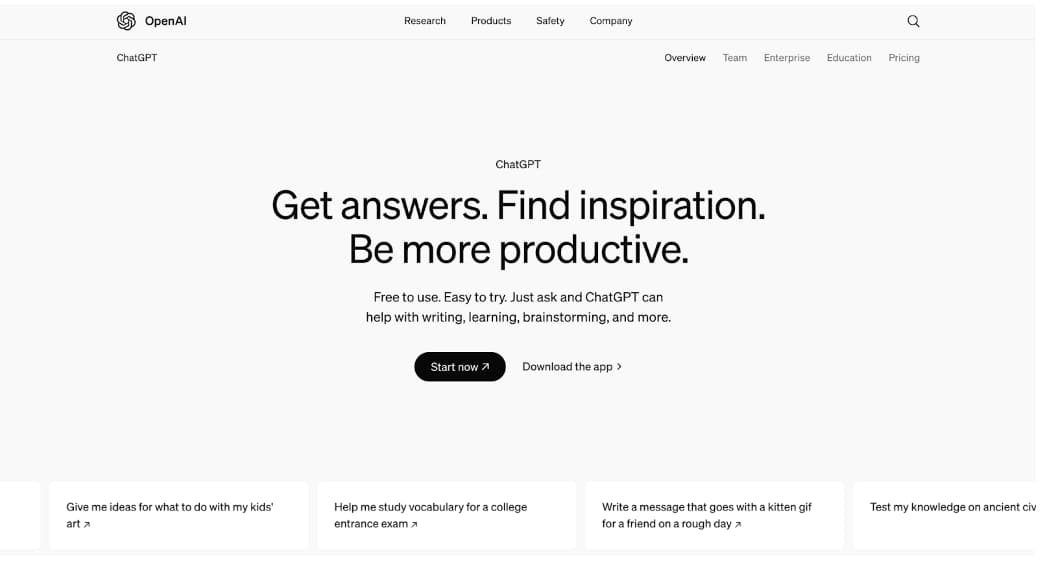
ChatGPT by OpenAI remains the most popular writing assistant. It drafts blog posts, captions, emails and ad copy, rewrites in a different tone, generates images for the post, and its Projects keep your brand notes and past drafts together so every new piece starts with context.
- Best for: fast first drafts, social captions, brainstorming angles, short-form copy.
- Watch out for: generic openings and confident claims without sources. Always ask it where a number came from.
- Pricing: free tier and paid plans.
- Use case: a marketer asks for ten angles on "fitness trends", picks two, and asks for a 600-word draft of each in the brand's tone, with the brand notes stored in a Project.
2. Claude: long-form, brand voice and structure
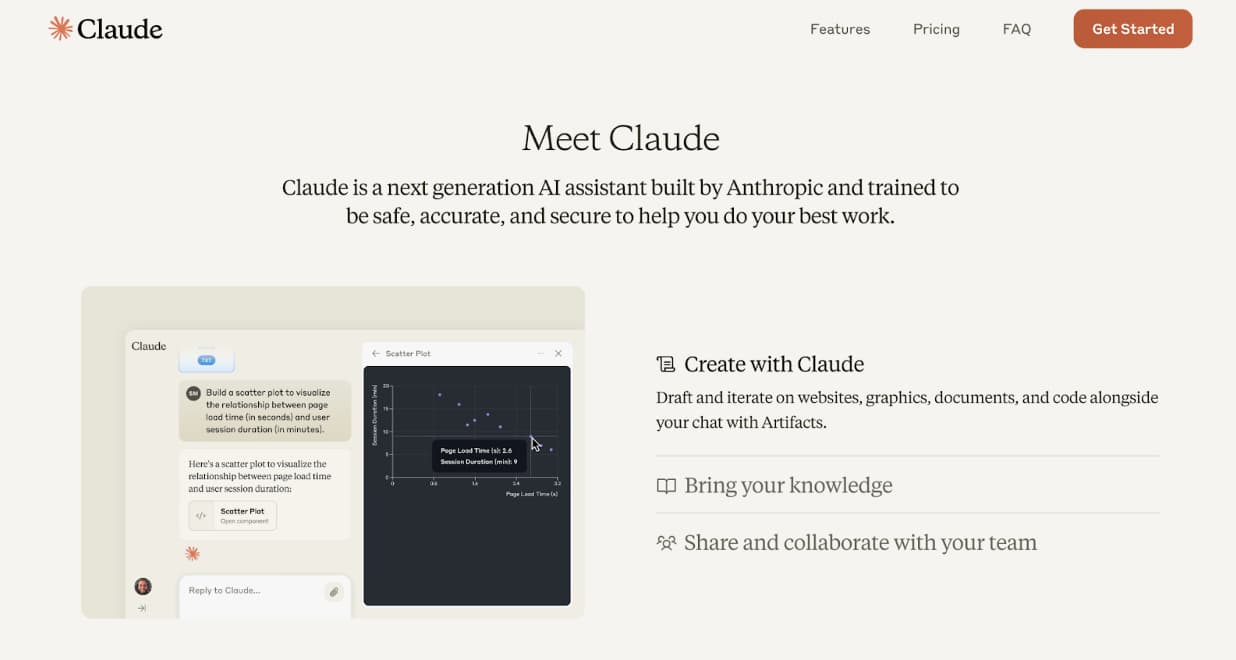
Claude by Anthropic is the assistant we use for long articles, guides and anything that has to sound like a specific person. It keeps a consistent voice over thousands of words, follows a structure precisely, and its Projects and Skills let you save the brief once (audience, tone, banned words, format) so each new piece only needs the topic.
- Best for: long-form articles, guides, reports, email sequences, anything in a defined voice.
- Watch out for: it will happily write more than you asked; give a word count.
- Pricing: free plan; Pro at $20 a month (verified on claude.com/pricing, September 2026).
- Use case: a content manager keeps a "Blog" Project with the style guide and three sample posts, and asks for an outline first, then the draft, then a tighter version.
For how to set that up, read Claude Projects, Skills and Artifacts for marketers.
3. Gemini: writing inside Google Docs and Gmail
Gemini by Google is the right choice if your content lives in Google Docs and your team communicates in Gmail. It drafts and rewrites inside the document, summarises long threads, and turns a Sheet of product data into descriptions without leaving Workspace.
- Best for: teams on Google Workspace, product descriptions from spreadsheet data, email newsletters drafted in Docs.
- Watch out for: long, nuanced pieces still come out better in Claude or ChatGPT.
- Pricing: free tier and paid plans, depending on your Google account.
- Use case: an e-commerce team pastes 40 product rows into Sheets and asks Gemini to write a two-sentence description for each, then edits in place.
4. Perplexity: research and sources before you write
Perplexity is not a writer; it is the research step that makes the writing credible. Ask it a question and it searches the web, then answers with numbered citations you can open. For statistics, competitor claims and "what is the current state of X", it saves an hour of tabs.
- Best for: fact-finding, statistics with sources, competitor and market scans, outlines grounded in what is already ranking.
- Watch out for: check the sources it cites. A citation to a weak page is still a weak claim.
- Pricing: free tier and paid plans.
- Use case: before writing a guide on email deliverability, a writer collects five sourced statistics in Perplexity, then hands them to Claude with the brief.
5. Grammarly: the editing pass
Grammarly runs inside your browser, email client and documents, checking grammar, clarity and tone as you type. Its rewrite suggestions (shorter, more confident, more formal) are useful for non-native English writers, and it catches the small errors AI drafts still make.
- Best for: final polish, emails, client-facing copy, teams writing in English as a second language.
- Watch out for: it does not support Arabic, and it will flatten a distinctive voice if you accept every suggestion.
- Pricing: free plan; Pro at $12 a month (verified on grammarly.com/plans, September 2026).
- Use case: a Beirut agency runs every English client email through Grammarly before sending, and ignores its suggestions on headlines.
Comparison: which AI writing tool for which job
| Tool | Best for | Arabic | Free tier | Paid (verified Sep 2026) |
|---|---|---|---|---|
| ChatGPT | Drafts, captions, ideas | Yes | Yes | Paid plans |
| Claude | Long-form, brand voice | Yes | Yes | Pro $20/month |
| Gemini | Google Docs and Gmail | Yes | Yes | Paid plans |
| Perplexity | Research with sources | Yes | Yes | Paid plans |
| Grammarly | Editing English | No | Yes | Pro $12/month |
How to choose the right AI tool
- You write mostly short social and ad copy: ChatGPT.
- You write long articles, guides or newsletters in a set voice: Claude.
- Your team lives in Google Workspace: Gemini, with Claude or ChatGPT for the big pieces.
- You are often asked "where did that number come from": Perplexity before every draft.
- English is your second language: Grammarly on top of whichever assistant you pick.
The workflow that makes any of these tools work
- Brief properly. Role, context, task, format. "Write a blog about SEO" gets you filler. "You are a B2B content writer for a Beirut training company; the reader is a marketing manager; write 800 words on local SEO with three examples from Lebanon; use H2s and a summary box" gets you a draft. The RTF prompting framework is the shortest way to remember this.
- Research first. Collect sourced facts in Perplexity and paste them into the brief.
- Outline, then draft. Approve the structure before you ask for words.
- Edit for what only you know. Add the client example, the local price, the opinion. This is what makes content rank and get cited by AI engines.
- Polish and check. Grammarly for the sentences, a human for the facts.
If you are deciding whether the piece should persuade or inform, our guide on copywriting vs content writing helps, and our one-hour SEO blog process with AI shows the full sequence with prompts.
Writing in Arabic and for the Gulf
ChatGPT, Claude and Gemini all write good Modern Standard Arabic and can switch to Lebanese, Egyptian or Gulf dialect if you paste two or three examples of the tone you want. Our rule for Lebanese and Gulf brands: write the strategy and structure in English, generate the Arabic draft, then have a native speaker edit it, because AI Arabic still reads slightly formal for Instagram captions and WhatsApp broadcasts. For bilingual audiences, ask the assistant for both versions in one prompt so the message stays consistent.
Frequently asked questions
What is the best AI tool for writing blog posts?
Claude for long, structured posts in a consistent voice; ChatGPT if you want speed and image generation in the same place. Both need a proper brief and a human edit.
Is there a free AI tool for content writing?
Yes. ChatGPT, Claude, Gemini and Perplexity all have free plans that are enough to write and edit regularly. Grammarly's free plan covers grammar and spelling.
Which AI tool is best for writing in Arabic?
ChatGPT, Claude and Gemini all handle Arabic well. Give examples of the dialect and register you want, and have a native speaker review anything customer-facing.
Does Google penalise AI-written content?
Google's guidance targets low-quality, unhelpful content regardless of how it was produced. AI drafts that are edited, fact-checked and add real experience can rank; unedited generic output usually does not. We covered this in Is ChatGPT bad for SEO?.
Should I still use Jasper or Copy.ai?
They still exist, but for most teams the frontier assistants now do the same job with better writing and reusable brand context. If you already pay for one and it works, keep it; if you are starting fresh, start with Claude or ChatGPT.
Where to go next
Set up one Project with your style guide this week and write your next piece through it. If you want to learn the full AI content workflow with live practice, the AI Marketing Professional Certificate (AIMP) with LAU ACE covers it in six weeks.

Written by
Business Development Executive, Talentdu
Leen leads Talentdu's business development from Dubai, across corporate training and institutional partnerships. She holds an MSc in Psychology from Queen Mary University of London and is pursuing a second master's in Applied Artificial Intelligence.